
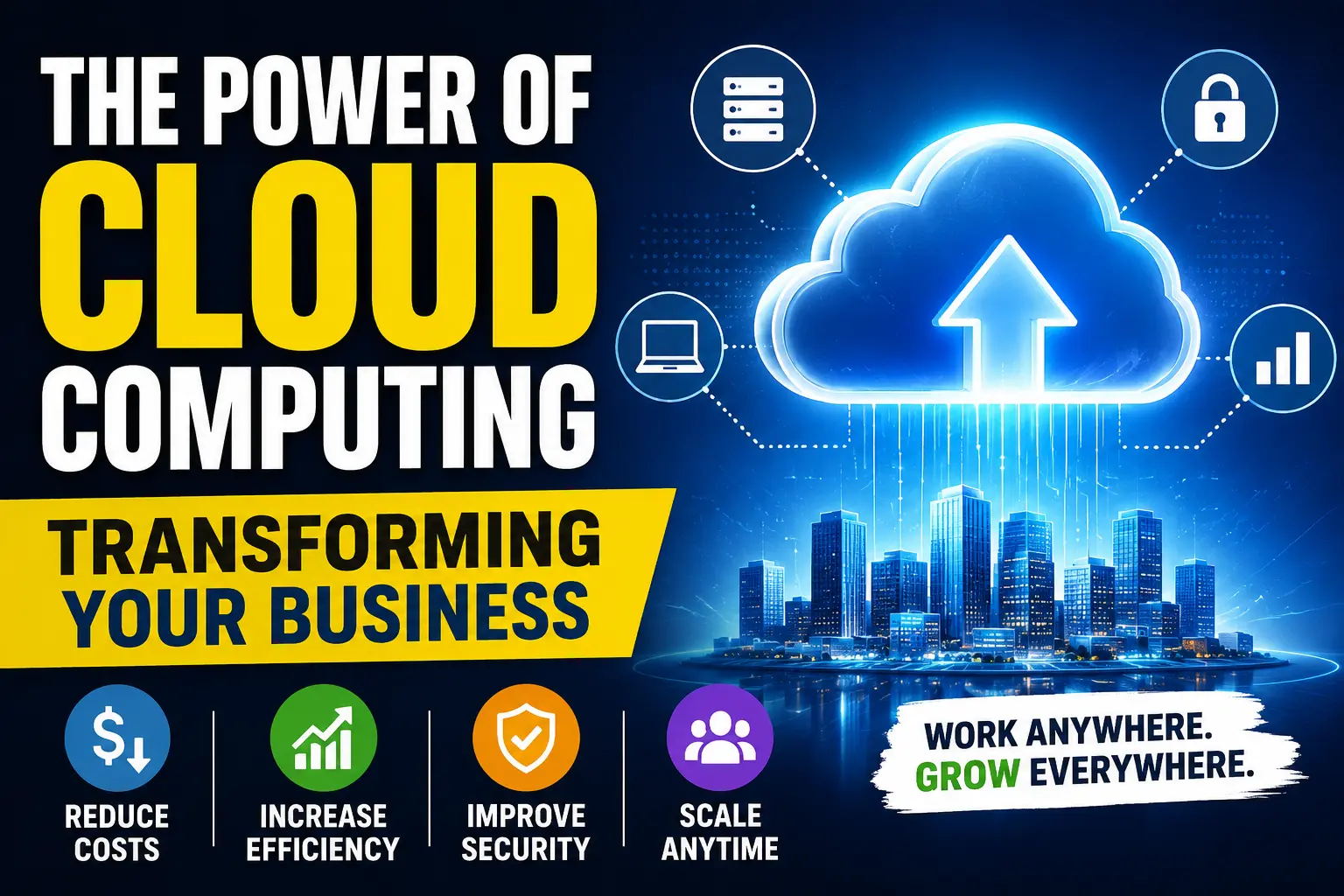
The Cloud Computing: Transforming Your Business
A few years ago, I was helping a small online store owner who was constantly dealing with website crashes during sales. Every time traffic increased, the site slowed down, customers got frustrated, and orders were lost.
At first, he thought the problem was bad internet or cheap hosting. But after spending weeks troubleshooting, the real issue became obvious: the business had outgrown its traditional setup.
That was the moment we moved everything to the cloud.
Honestly, I didn’t expect the difference to be that dramatic. Within days, the website became faster, backups were automatic, team members could work remotely without sending files back and forth, and scaling during promotions became almost effortless.
Since then, I’ve worked with cloud platforms on personal projects, client websites, content platforms, and even small SaaS tools. And one thing I’ve noticed is this: most businesses wait too long before taking cloud computing seriously.
They think it’s only for big companies or tech experts.
It’s not.
Even a small business with two employees can save time, reduce stress, and work more efficiently using cloud-based tools.
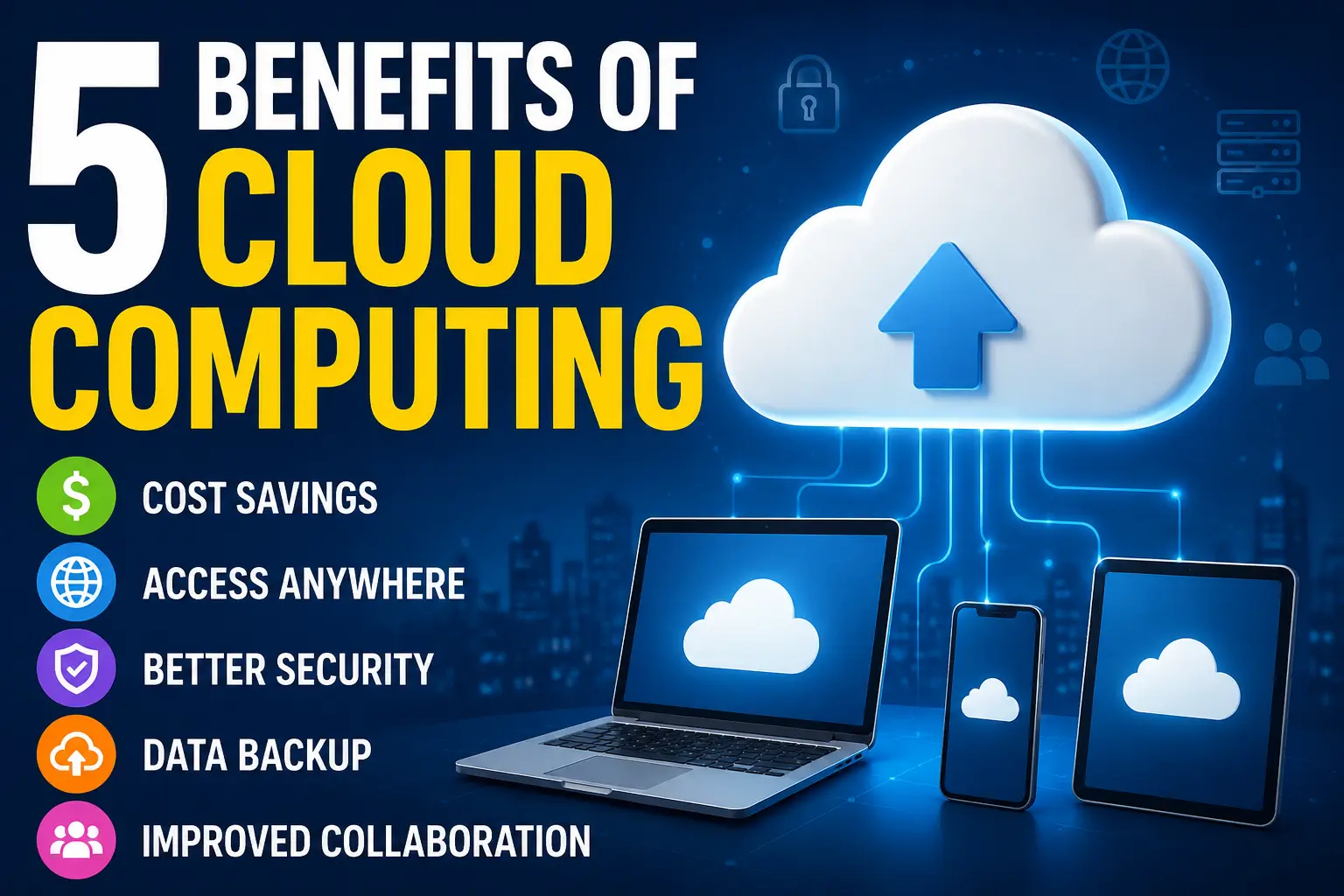
Read More: 5 Benefits of Cloud Computing
A lot of people hear the word “cloud” and imagine something complicated or highly technical. In reality, you’re probably already using cloud computing every day without thinking about it.
…you’ve used the cloud.
Instead of storing files or running software only on your local computer, cloud computing lets you access everything through the internet. Your data, applications, backups, and services are hosted on remote servers managed by companies such as Amazon Web Services (AWS), Microsoft Azure, and Google Cloud.
The biggest advantage?
You don’t need expensive hardware or a dedicated IT room anymore.
One thing I learned while helping clients is that businesses rarely move to the cloud because it sounds exciting. They move because they’re tired of problems.
Here are the biggest reasons businesses make the switch.
I still remember managing a project where files were being shared through USB drives and random WhatsApp messages. It was chaos.
Once the team switched to Google Workspace and cloud storage, everything changed. Documents updated in real time, files stopped getting lost, and people could work from anywhere.
Cloud computing removes location barriers.
Whether your employee is at home, traveling, or sitting in another country, they can still access the same systems securely.
That flexibility matters more than ever now.
Traditional setups can become expensive quickly.
You buy servers.
Then maintenance.
Then upgrades.
Then backups.
Then, cooling systems.
Then IT support.
And after a few years, the hardware becomes outdated anyway.
Cloud platforms work differently. Most operate on a pay-as-you-go model. You only pay for what you actually use.
For small businesses, this is huge.
Instead of spending thousands upfront, you can start small and scale gradually.
Many business owners assume that keeping data on their office computers is safer.
In my experience, it’s usually the opposite.
I once worked with a small agency that lost important client files because of a failed hard drive. No backup. No recovery plan. Months of work disappeared overnight.
Cloud services usually include:
Of course, no system is perfect, but major cloud providers invest more in security than most small companies ever could.
One of the biggest benefits of cloud computing is flexibility.
Imagine your online store suddenly gets featured on social media, and traffic jumps overnight.
With traditional hosting, your site might crash.
With cloud infrastructure, resources can scale automatically to handle the extra visitors.
I’ve personally seen this happen during product launches.
That kind of scalability changes everything.
Cloud computing isn’t just about hosting websites.
It affects almost every part of a business.
Cloud-based support tools like Zendesk or Freshdesk help teams respond faster, organize tickets, and track customer issues in one place.
A friend of mine runs an e-commerce business, and before switching to cloud-based support software, customer messages were scattered across emails and social media inboxes.
Now everything is centralized.
Response times improved almost immediately.
Tools like Slack, Trello, Notion, and Microsoft Teams completely changed how businesses communicate.
Instead of endless meetings and confusing email chains, teams can collaborate in real time.
I personally use Notion for organizing projects and content planning, and honestly, going back to offline systems would feel painful now.
Cloud storage solved one major problem many businesses had ignored for years: accidental data loss.
Hard drives fail.
Laptops get stolen.
Files get deleted.
Cloud backups reduce those risks significantly.
Google Drive and Dropbox may seem simple, but they’ve saved countless businesses from major headaches.
Cloud computing also powers modern marketing tools.
Platforms like:
…all rely heavily on cloud infrastructure.
This allows businesses to analyze customer behavior, automate campaigns, and track performance without running massive local systems.
One mistake I made early on was assuming every cloud tool was automatically good.
That’s not true.
At one point, I signed up for multiple services without checking pricing structures carefully. Everything looked affordable at first, but usage fees started increasing as projects grew.
That experience taught me an important lesson:
Always understand long-term costs before committing.
Some cloud platforms are incredibly powerful but can become expensive if you scale without monitoring usage.
Now I always recommend starting with a clear plan.
Know:
Otherwise, businesses can end up paying for tools they barely use.
If you’re completely new to this, don’t overcomplicate it.
You don’t need to migrate your entire business overnight.
Here’s the approach I usually recommend.
Ask yourself:
What’s slowing the business down?
Examples:
Start there.
Cloud adoption works best when solving a real pain point.
You don’t need enterprise-level systems immediately.
Start with beginner-friendly platforms like:
These tools are easy to learn and provide immediate benefits.
One mistake businesses make is rushing migration.
Take your time.
Organize files properly before uploading them to the cloud. Remove duplicates, outdated folders, and unnecessary clutter.
Trust me, cleaning things later becomes much harder.
Even great technology fails if nobody knows how to use it properly.
I’ve seen companies buy excellent cloud software only for employees to ignore it completely.
Simple training sessions make a huge difference.
Teach people:
This is important.
The moment you create cloud accounts:
Most security problems happen because businesses ignore basic protection settings.
Cloud systems depend heavily on internet access.
If your internet connection is unstable, productivity can suffer.
Always have backup internet options if your business relies heavily on cloud tools.
I’ve seen teams use:
Eventually, everything becomes messy.
Try to simplify your workflow instead of adding endless platforms.
Not every employee needs access to everything.
One company I worked with accidentally exposed sensitive financial files internally because permissions weren’t configured properly.
Role-based access matters.
Cloud pricing can be tricky.
Storage, bandwidth, and usage-based billing add up over time.
Set budgets and monitor usage regularly.
What’s interesting now is how cloud computing connects with AI tools.
A lot of modern AI services — including content generation, automation, analytics, and customer support bots — run entirely on cloud infrastructure.
Businesses using AI today are often using cloud computing without realizing it.
And honestly, I think we’re only at the beginning.
Smaller businesses now have access to tools that were once available only to massive corporations.
That changes the competition completely.
A small startup with smart cloud systems can operate faster than older companies with outdated infrastructure.
After working with cloud tools across different projects, I’ve stopped seeing cloud computing as just a “tech upgrade.”
It’s really a business flexibility tool.
It helps teams move faster.
It reduces operational stress.
It improves collaboration.
It protects data better.
And it allows businesses to scale without rebuilding everything from scratch.
The best part is that you don’t need a massive budget or a dedicated IT department to get started anymore.
Even small changes — like moving file storage or communication systems to the cloud — can noticeably improve how a business operates.
And once you experience the convenience of accessing your work from anywhere, with automatic backups quietly running in the background, it’s honestly difficult to imagine going back to the old way of doing things.
1. Cloud computing kya hota hai?
Cloud computing internet ke through data, software aur services ko store aur access karne ka system hai.
2. Cloud computing ka business mein kya faida hai?
Yeh cost kam karta hai, flexibility deta hai aur business ko fast grow karne mein help karta hai.
3. Cloud computing secure hota hai ya nahi?
Haan, reputable cloud providers advanced encryption aur security systems use karte hain.
4. Small business ke liye cloud computing useful hai?
Ji haan, small businesses kam budget mein powerful IT resources use kar sakte hain.
5. Cloud computing aur traditional hosting mein kya difference hai?
Cloud computing flexible aur scalable hota hai jabke traditional hosting limited hoti hai.
6. Kya cloud computing se data loss ka risk hota hai?
Risk hota hai, lekin backup aur disaster recovery systems isko minimize kar dete hain.
7. Cloud computing ki types kya hoti hain?
Main types: Public Cloud, Private Cloud, and Hybrid Cloud.
8. Cloud computing ka future kya hai?
Iska future bohat strong hai kyun ke AI aur automation ke sath iska use barh raha hai.
9. Kya cloud computing expensive hota hai?
Nahi, aksar pay-as-you-go model ki wajah se yeh cost-effective hota hai.
10. Cloud computing ka use kaun kaun se industries karti hain?
E-commerce, education, healthcare, banking aur IT companies widely use karti hain.