
A few years ago, one of my friends nearly lost months of work because his laptop suddenly stopped working. No backup. No recovery plan. Just panic.
He ran a small online business and had important client files, invoices, and marketing data stored only on his computer. After spending days trying to recover the data, he finally moved everything to cloud storage.
Funny enough, he told me later:
“I should’ve done this years ago.”
That situation is exactly why cloud computing has become such a big deal.
Even if the term sounds technical, chances are you’re already using cloud computing without realizing it. If you’ve ever saved photos to Google Drive, watched movies online, or used apps like Zoom or Dropbox, you’ve already experienced it.
The biggest reason people love cloud computing is that it makes life easier.
You don’t have to carry hard drives everywhere or worry constantly about losing important files.
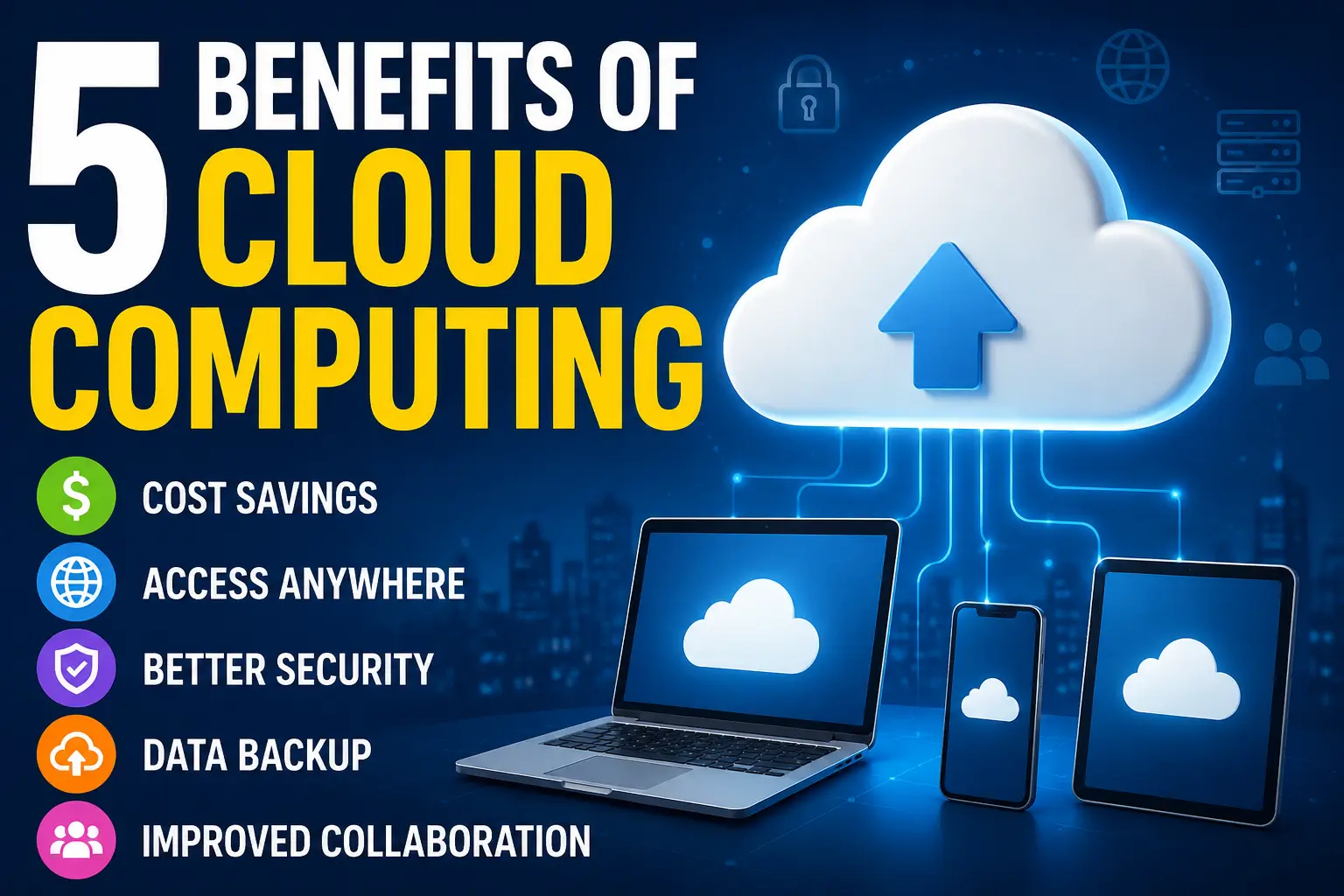
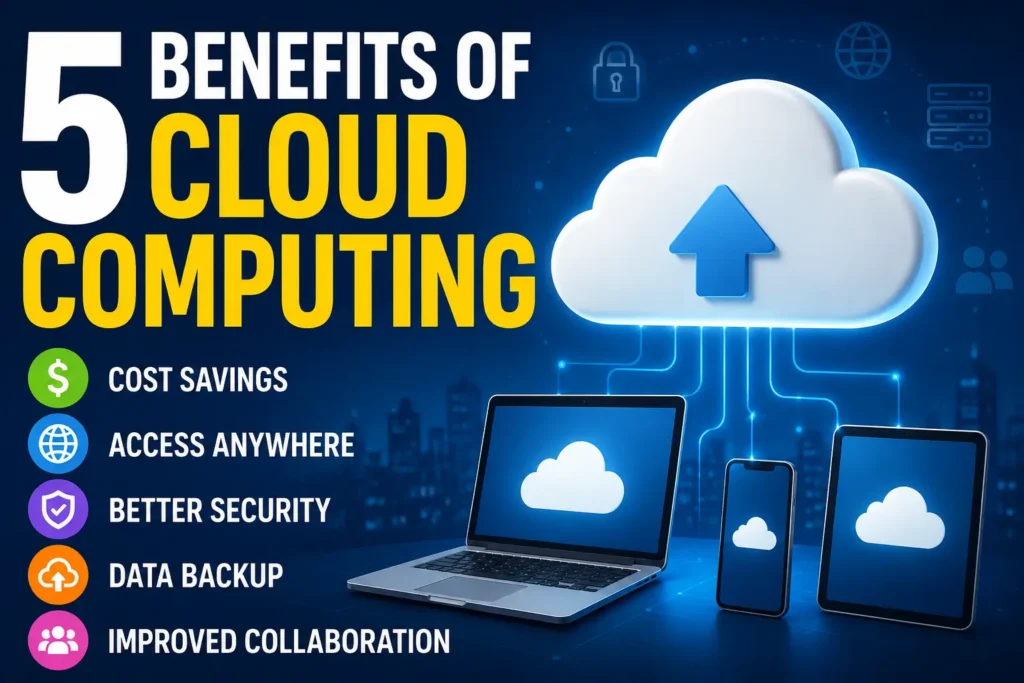
Let’s talk about the 5 biggest benefits of cloud computing in a simple, practical way — without the confusing tech jargon.
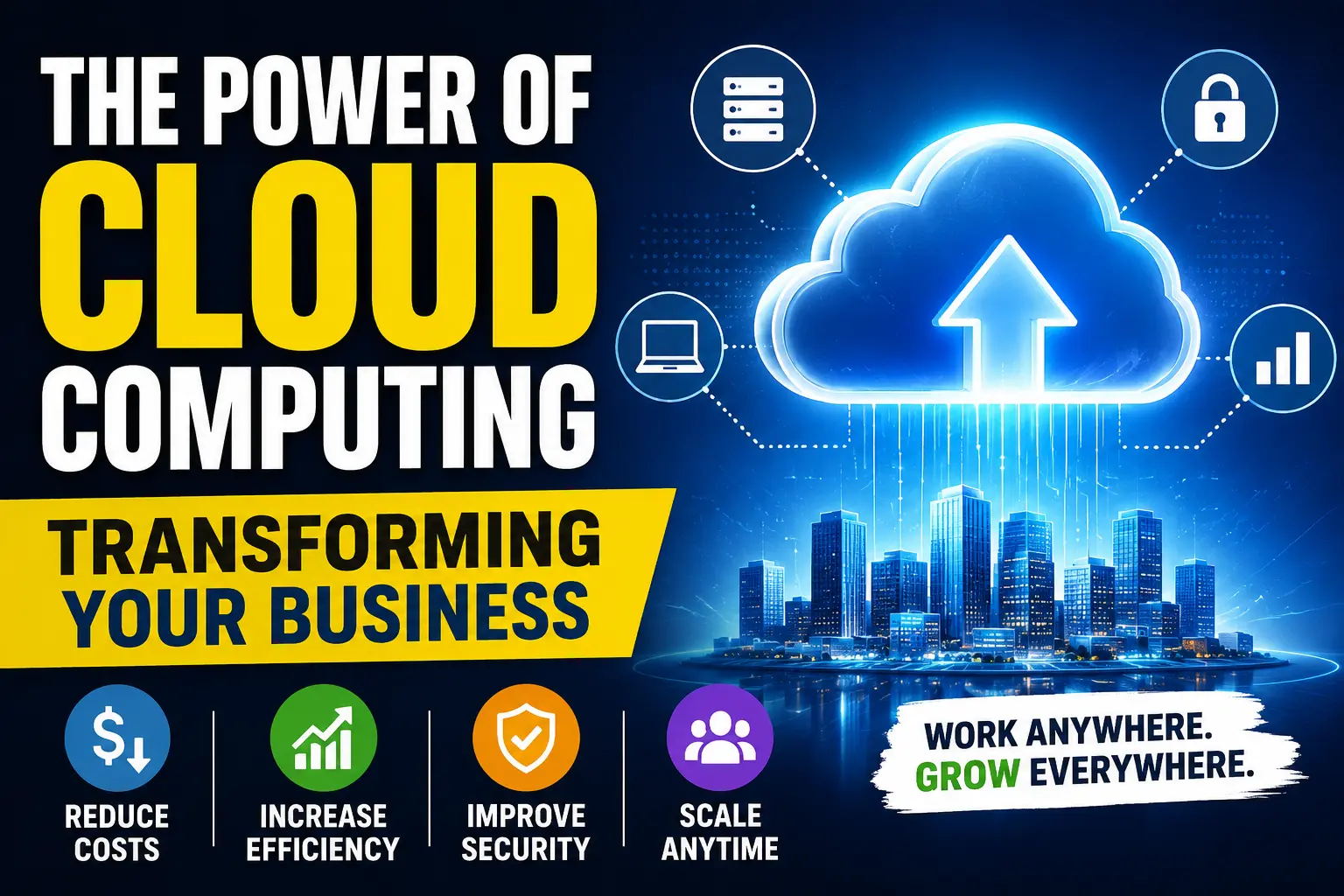
Read More: The Power of Cloud Computing: Transforming Your Business
Before getting into the benefits, let’s keep this simple.
Think of it like renting digital space instead of owning and maintaining expensive equipment.
For example:
Instead of saving files only on your laptop, you store them online and access them anytime.
Instead of installing heavy software, you use online tools.
That’s basically cloud computing.
Popular cloud services include:
Now let’s get into the real benefits.
One of the first reasons businesses switch to cloud computing is simple:
It helps reduce costs.
Back in the day, companies had to spend huge amounts on:
That setup gets expensive quickly.
With cloud computing, many businesses only pay for what they actually use.
It’s a bit like subscribing to Netflix instead of buying hundreds of DVDs.
A small business owner can use cloud-based tools without spending thousands upfront.
For startups, especially, this makes a huge difference.
I’ve seen freelancers run entire businesses using cloud tools for less money than traditional systems.
This is probably my favorite benefit.
Imagine working on a project at home.
Later, you travel somewhere and suddenly need the same file.
Instead of saying:
“Oops, I forgot it on my computer.”
You just log in and access it instantly.
That flexibility changed how people work.
Students, freelancers, remote workers, and businesses all benefit from this.
For example:
A graphic designer can edit files from home.
A business owner can check reports while traveling.
A team member can collaborate from another country.
As long as you have internet, your files are usually available.
That convenience feels small until you actually need it.
Nobody thinks about backups until something goes wrong.
Then suddenly it becomes the most important thing.
I learned this lesson the hard way after losing personal files during a system crash years ago.
Cloud computing helps reduce that risk.
Many cloud services automatically save updates and create backups.
So if:
You often still have access to your important data online.
That peace of mind matters more than people realize.
Especially for businesses.
Imagine losing years of customer records overnight.
Cloud backups can prevent disasters like that.
This benefit became incredibly important after remote work became more common.
Before cloud computing, teamwork could get messy.
Someone sends a file.
Another person edits the wrong version.
Then confusion starts.
“Wait… which file is the latest one?”
Cloud-based platforms make collaboration much easier.
For example, multiple people can work on the same file together in real time.
Popular tools include:
This saves time and reduces unnecessary back-and-forth emails.
I’ve worked on projects where cloud collaboration turned what used to take days into something finished in hours.
Especially when teams are spread across different locations.
People sometimes think cloud computing is risky.
And honestly, that concern makes sense.
Nobody wants sensitive information leaked.
But here’s something many people don’t realize:
Large cloud providers usually invest heavily in security systems.
In many cases, they offer:
For smaller businesses, this can actually be safer than storing everything on a single office computer.
That said, cloud security also depends on the user.
Weak passwords and poor habits still create risks.
A mistake I see often?
People use the same password everywhere.
That’s asking for trouble.
Using strong passwords and enabling extra verification adds much better protection.
Sometimes examples make everything easier to understand.
Here’s how everyday people use cloud computing:
Store invoices, customer files, and reports online.
Access assignments from school or home.
Save videos and editing projects online.
Manage inventory and customer systems.
Collaborate without being in the same office.
Even social media platforms rely heavily on cloud systems.
When you upload photos or messages, cloud technology is often working behind the scenes.
Even though cloud services are helpful, beginners sometimes make avoidable mistakes.
Some people assume cloud storage means everything is automatically safe forever.
Not always.
Important files should still have extra backups.
Security matters.
A weak password can put sensitive information at risk.
Not every cloud platform fits every need.
Someone storing family photos has different needs than a business handling customer data.
Cloud computing usually works best with a stable internet.
Without internet access, some features may become limited.
For most people, yes.
Especially if you:
The biggest benefit isn’t just storage.
It’s convenient.
Life gets easier when your files, apps, and systems are available wherever you are.
You stop worrying about losing data or carrying USB drives everywhere.
At first, cloud computing sounded overly technical to me, too.
But after using it regularly, it became one of those things that quietly improves how you work without you even noticing.
And once you get used to having access to everything from anywhere, going back feels surprisingly inconvenient.
Cloud computing means storing and accessing data, software, and files over the internet instead of your computer’s local storage.
The main benefits are cost savings, easy access from anywhere, better security, data backup, and improved collaboration.
Yes, most cloud providers use encryption and security systems, but users should also use strong passwords and security settings.
Yes, small businesses benefit the most because it reduces hardware costs and provides flexible, scalable services.
No, many cloud tools like Google Drive or Dropbox are very easy to use, even for beginners.
You may not be able to access cloud files until the internet is restored, but your data remains safe online.
Many services offer free storage with limited space, but larger storage and advanced features require paid plans.
Popular providers include Google Cloud, Microsoft Azure, Amazon Web Services (AWS), and Dropbox.
Because it allows remote access, automatic backups, better collaboration, and lower maintenance costs.
It is very rare, but risks exist. That’s why backups and using trusted providers are always recommended.